...
Всего найдено: Показать все
Tap the next to your connected network, then select Nearby . Tap Need help sharing? to open a help article.
Follow the setup prompts again. The phone will likely get stuck on the "Checking for updates" screen because Google Play Services is disabled.
Delete the default link in the message body and type www.youtube.com . Send the message and tap the resulting YouTube link to open the app. tecno kg5h frp bypass android 11 %28%28BETTER%29%29
Go back one step to the setup screen. The phone should now skip the Google account verification and allow you to complete the setup. www.gsmarena.com Tecno Spark Go 2022 - Full phone specifications
This method is entirely "on-device," meaning you don't need a computer or data cables. Step-by-Step Tecno KG5h FRP Bypass (Android 11) Tap the next to your connected network, then select Nearby
Power on your Tecno Spark Go 2022 and proceed to the screen.
Quickly tap when the "Google Play Services is required" notification appears. Tap Enable for Google Play Services. Follow the setup prompts again
Search for a reputable FRP bypass site like FRP Bypass or Vnrom to access direct links to system settings. From the bypass site, select Open Settings . Navigate to App Management -> App List .
Use the (which you should enable in settings if prompted earlier) or the "Back" button method to trigger the Assistant .
If you've forgotten your login details, this guide provides a step-by-step walkthrough for a without needing a PC or complex tools. Prerequisites Before Starting To ensure the bypass is successful, prepare the following:
Сейчас данный автомобиль доступен только под заказ!
Также, возможно, вас заинтересуют другие автомобили в наличии:
 Комиссионный автомобиль
 4 350 000 р.
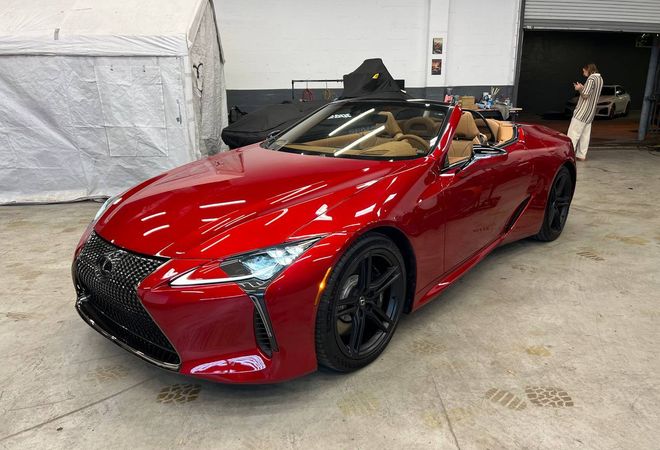 В резерве
19 898 500 р.
267 830 $
В резерве
19 898 500 р.
267 830 $ 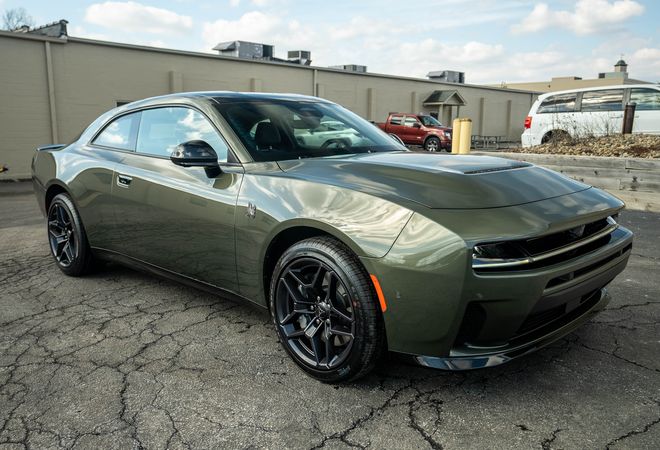 В резерве
11 483 900 р.
154 570 $
В резерве
11 483 900 р.
154 570 $ 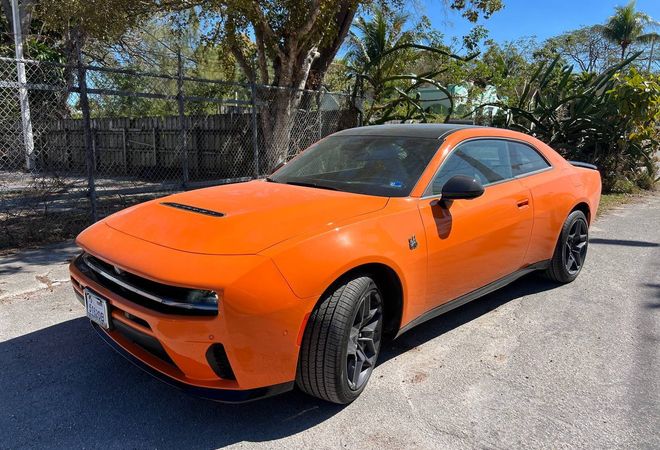 В резерве
12 018 900 р.
161 770 $
В резерве
12 018 900 р.
161 770 $ 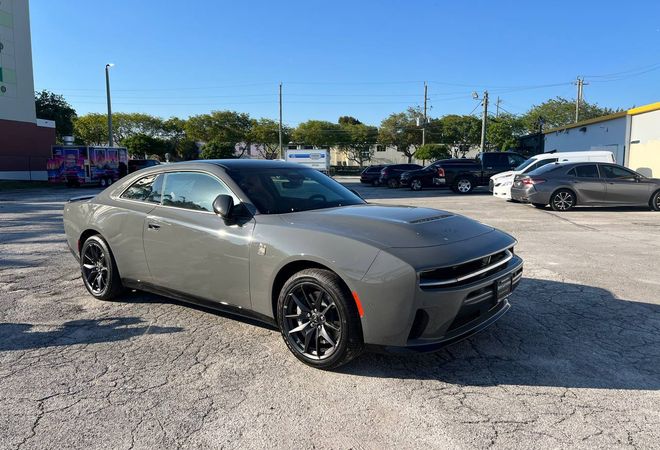 В резерве
12 601 700 р.
169 615 $
В резерве
12 601 700 р.
169 615 $